EVENT / CONDITION / RULE / RESPONSE / NEXT ACTION
Process triggers that make business systems react at the right moment.
Jenrix engineers process trigger systems that watch for meaningful business events and automatically launch the next required action across tasks, approvals, communication, ownership, status movement and workflow control.
A trigger system turns passive software into responsive infrastructure. When a lead arrives, a deadline passes, an approval stalls, a status changes or a threshold is crossed, the system should know what happens next.
EVENT DETECTION RULE EVALUATION AUTOMATED RESPONSE EXECUTION TRACE
JENRIX / PROCESS TRIGGER ENGINEEvent → Evaluate → Resolve → Activate → Observe
TRIGGER ENGINE ACTIVEEVENTS71 ACTIVE
RULESLOADED
ACTIONSREADY
EXCEPTIONSMONITORED
TRACERECORDED
JENRIX CORETRIGGEREVENT / RULE / RESPONSE / TRACE
LIVE TRIGGER EVENTSTATUS CHANGE / ACTION RESOLVED
PROCESS TRIGGER SYSTEM01
Automation becomes reliable when the system knows what should activate it.
Trigger architecture defines which events matter, which conditions must be true, what response should launch, who owns it and how execution should be tracked.
Event DetectionCondition LogicAction ActivationExecution Trace
WHY TRIGGER LOGIC MATTERS
Workflows fail when the system does not know when to react.
Many businesses define processes but leave event response to people. That creates delays between what happened and what the business does next.
The process exists, but action depends on manual awareness.
- A status changes but no next task is created
- An approval stalls without escalation
- A lead becomes inactive without a reminder
- A threshold is crossed but nobody is alerted
- Teams compensate with manual checking and messaging
Events become explicit instructions for the operating system.
- Important events are defined and observable
- Conditions determine whether a trigger should run
- Ownership and context resolve automatically
- Actions launch across connected systems
- Execution, failure and exceptions remain traceable
PROCESS TRIGGER CAPABILITIES
One event engine. Multiple forms of automated response.
Jenrix structures process triggers around state, timing, ownership, business rules, exceptions and connected-system actions.
Status Change Triggers
Launch actions when leads, tasks, records, approvals or workflow stages change state.
Task & Assignment Triggers
Create tasks, move ownership, activate handoffs and assign the next responsible user.
Reminder & Escalation Triggers
Use deadlines, inactivity, response gaps and SLA conditions to activate reminders or escalation.
Communication Triggers
Launch email, WhatsApp, alerts, customer updates and internal notifications from real process events.
Conditional Branching
Use if/then logic, thresholds, alternate paths, review loops and exception conditions.
Time-Based Triggers
Schedule actions from elapsed time, deadlines, waiting periods and recurring operating rules.
Multi-System Actions
Update CRM, create records, call APIs, notify users and move workflows from one originating event.
Trigger Logs & Governance
Track execution, failure, retries, exceptions and rule behavior for better operational control.
PROCESS TRIGGER REFERENCE
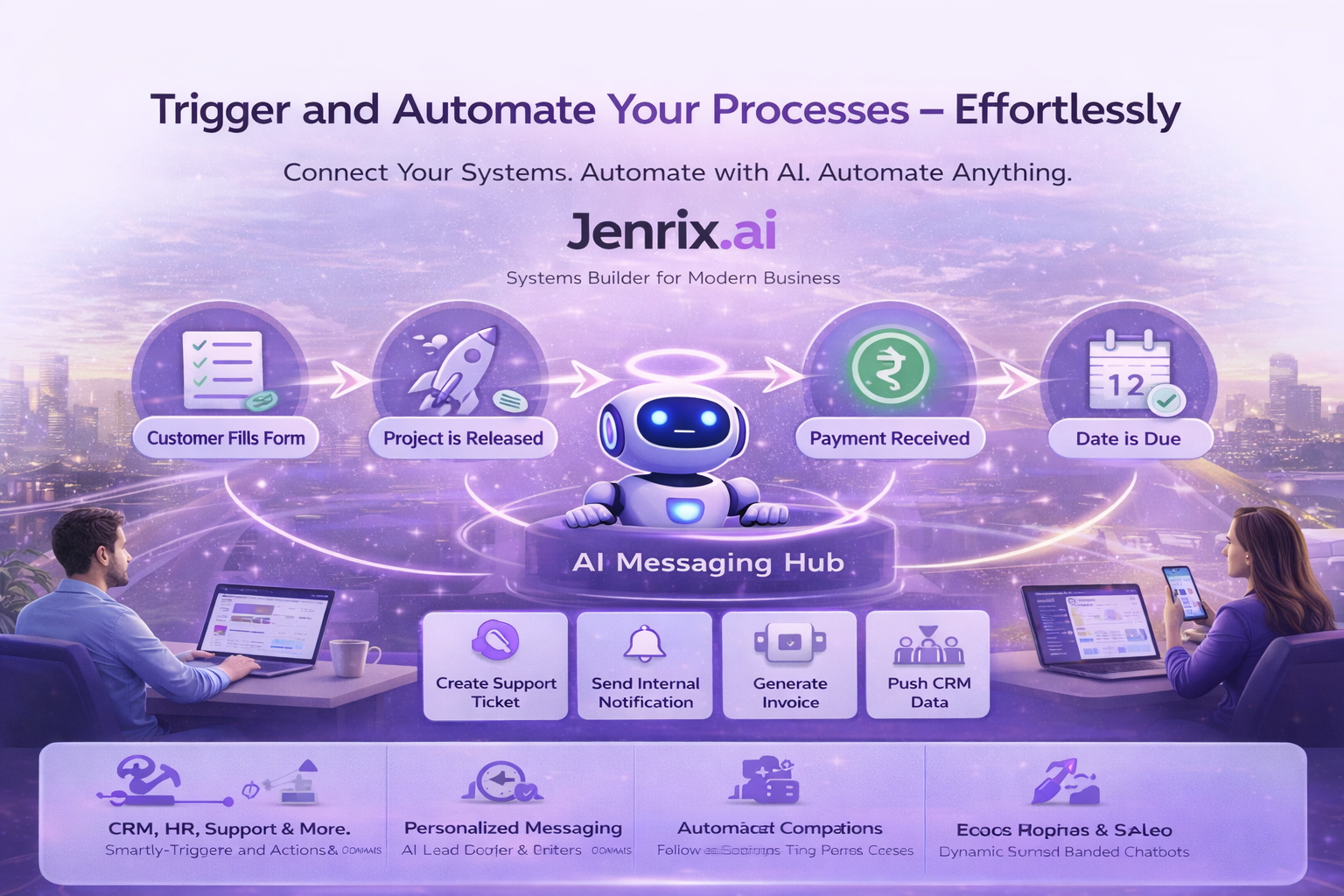
A trigger visual should explain what activates what.
Your existing process-trigger visual is retained as a supporting reference. The live architecture above explains the event-to-response model more clearly.
JENRIX / PROCESS TRIGGER REFERENCE
PROCESS TRIGGER USE CASES
Trigger logic belongs anywhere an important event requires a reliable response.
Approval Event Triggers
Activate next steps when approvals are granted, rejected, returned, delayed or escalated.
Lead & Sales Triggers
Respond to lead creation, stage movement, inactivity, conversion events and sales follow-up conditions.
Operational Event Logic
Launch tasks, updates and handoffs when records, requests, tickets or operating states change.
Messaging Activation
Trigger communication from customer actions, deadlines, approvals, status movement or workflow events.
Escalation & Compliance Triggers
Respond when thresholds, deadlines, inactivity or required control conditions are breached.
Cross-System Triggering
Use one event to activate coordinated actions across CRM, APIs, dashboards, portals and workflow systems.
TRIGGER OPERATING MODEL
Reliable response requires event, condition, context, action and trace.
PROCESS TRIGGER FAQ
Questions before engineering event-driven automation.
What is a process trigger?+
A process trigger is a defined event or condition that causes the system to launch a next action such as creating a task, changing ownership, sending a message, requesting approval, escalating an exception or moving a workflow stage.
Can process triggers work across CRM, workflow and communication systems?+
Yes. Jenrix can connect triggers across CRM, workflow automation, communication systems, dashboards, APIs and internal applications.
Can trigger logic handle delays and exceptions?+
Yes. Trigger logic can include timers, inactivity conditions, thresholds, retry paths, escalations, review loops and exception handling.
RELATED JENRIX ENGINEERING
ENGINEER RESPONSIVE BUSINESS SYSTEMS
If an event matters, the system should know how to respond.
Jenrix can map your events, conditions, rules, timing, ownership and system actions, then engineer a trigger layer that makes process movement faster, more consistent and more observable.